Table of contents
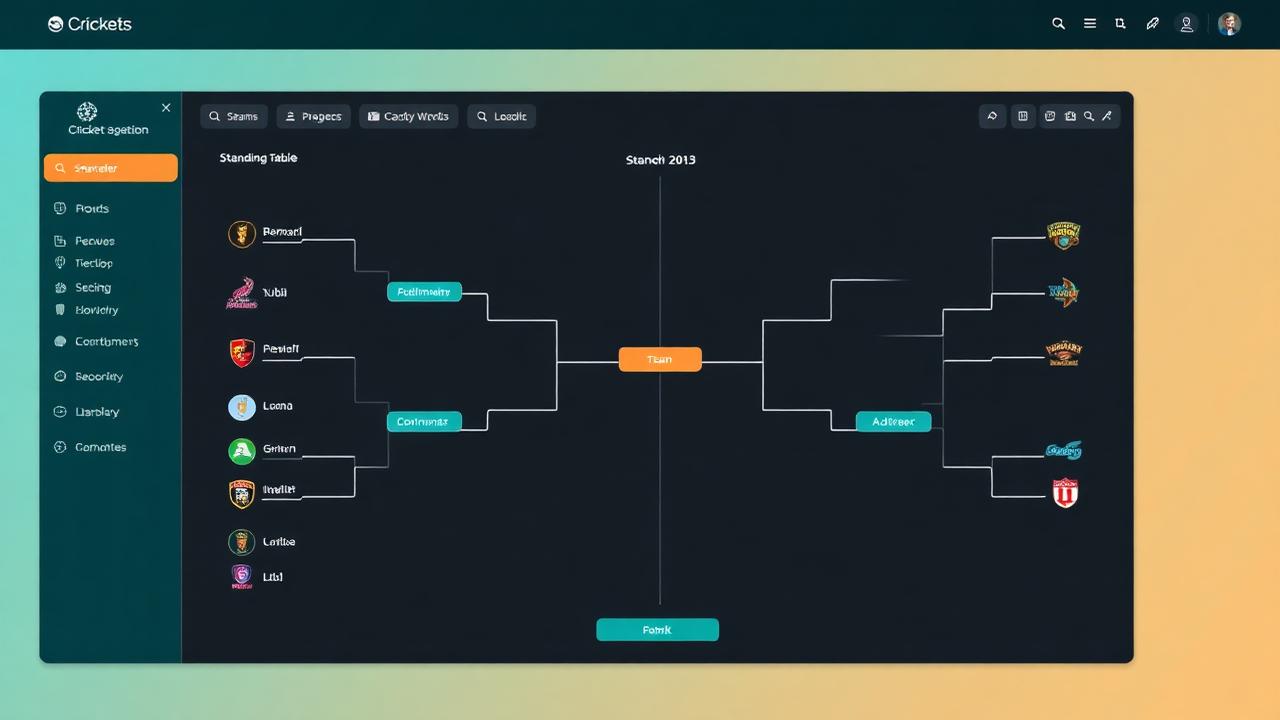
Managing a grassroots league, community cup, or weekend knockout requires more than just a WhatsApp group and a paper notebook. A dedicated cricket tournament planner gives organizers, scorers, and club captains the structure they need to build fixtures, record ball-by-ball action, calculate tiebreakers automatically, and broadcast live scores to spectators worldwide. Whether you are running a high-stakes tape ball night tournament or a formal multi-week club league, planning your event with the right digital toolkit saves hours of administrative headaches and eliminates scoring disputes.
Quick answer: What does a cricket tournament planner do?
A cricket tournament planner is an end-to-end digital tool or framework that handles tournament setup, team registrations, schedule generation, live match scoring, and automatic standings calculations. Instead of manually tabulating Net Run Rate (NRR) or redrawing brackets on whiteboards when rain disrupts play, a modern tournament planner updates points tables instantly, stores player career metrics, and generates live spectator links so supporters can follow every ball from their phones.
Run & Ball serves as a free, mobile-first planner tailored for real-world playing conditions across South Asia, the Middle East, and worldwide amateur circuits—handling tape ball, tennis ball, gully, T10, T20, F5, and conventional hardball formats.
Why modern organizers need a digital tournament planner
Anyone who has run an amateur cricket competition knows where traditional methods fall short:
- Fixture gridlocks: Drawing up balanced groups manually often leads to unfair rest windows, venue clashes, or scheduling oversights.
- Scoring and calculation disputes: Calculating Net Run Rate manually under pressure frequently leads to errors and arguments among team captains.
- Communication delays: Players, umpires, and fans are constantly asking organizers for timing updates, pitch assignments, and qualification scenarios.
- Unreliable internet at grounds: Many grounds lack steady mobile data, causing online-only tools to crash mid-over.
- Missing match history: Once a paper scoresheet is lost or soaked in the rain, individual player achievements, tournament boundaries, and season wickets vanish forever.
A specialized cricket planner solves these issues by automating calculations, operating offline when ground signal drops, and centralizing data in real time.
Key tournament formats you can plan
Different leagues require different structures based on ground availability, daylight, and team counts. A flexible planning platform handles various tournament frameworks:
1. Single-elimination (Straight knockout)
Ideal for weekend tournaments with tight timelines and large team turnouts. In this format, one loss knocks a team out of contention. While simple to schedule, organizing a knockout requires clear contingency plans for rain delays, super overs, or bowl-outs.
2. Round-robin leagues
Every team plays every other team within their designated group or division. This setup provides the fairest assessment of team strength, ensuring each squad gets multiple matches regardless of opening-game results. Standings rely heavily on points, bonus points, and precise Net Run Rate calculations.
3. Group stages with playoffs (IPL-style)
Teams are divided into pools where they complete round-robin fixtures. The top seeds advance into qualifiers, eliminators, and finals. This format keeps fan engagement high and rewards the most consistent teams with a second chance at reaching the final.
4. Double-elimination brackets
Common in competitive amateur tournaments, this format ensures a team must lose two matches before being fully eliminated. It balances the excitement of knockout cricket with the fairness of round-robin play.
Step-by-step: How to plan a cricket tournament from scratch
Planning a tournament requires disciplined preparation weeks before the opening ball is bowled. Follow this practical workflow to keep your competition organized from start to finish.
Step 1: Define tournament rules and playing conditions
Establish clear, written competition guidelines before accepting entries. Key decisions include:
- Overs per side (such as F5, T10, T20, or multi-day formats).
- Ball type (tape ball, heavy tennis ball, leather hardball).
- Bowling limits per player (e.g., maximum 2 overs in a T10 match).
- Powerplay rules and fielding restrictions.
- Tie-break procedures (Super Over, boundary count, or bowl-out).
- Rain rules or reduction formulas, referencing ICC official rules and playing conditions or simplified overs-per-hour benchmarks.
For a comprehensive checklist of ground logistics, equipment, and match officials, consult our cricket tournament checklist.
Step 2: Register teams and rosters
Collect team names, captain contact details, and complete player rosters. Standardizing roster entries upfront prevents "ringer" disputes during knockout stages. Digital tools allow captains to submit player lists directly, automatically creating individual player profiles that track stats across games.
Step 3: Generate the schedule and match fixtures
Once the number of teams is confirmed, map your fixtures against available grounds, pitch allocations, and time slots:
- Allow realistic buffers between matches (minimum 15–20 minutes for changeovers and coin tosses).
- Factor in light conditions, especially for grounds without floodlights.
- Ensure teams do not play back-to-back high-intensity fixtures unless format conditions require short-format double-headers.
To streamline this process, you can use our dedicated cricket fixture generator to balance match times automatically.
Step 4: Set up digital scoring and offline backup
Appoint dedicated scorers who understand the digital scoring interface. A reliable platform must handle all scoring nuances:
- Extras (wides, no-balls with free hits, byes, leg-byes, penalty runs).
- Dismissal types (bowled, caught, run out with batter attribution, stumped, hit wicket, obstructing the field).
- Over-by-over bowler rotations and spell limits.
- Offline data capture, ensuring matches can be scored without active internet and synced once connectivity returns.
Step 5: Automate points tables and qualification tracking
In round-robin competitions, your standings table must update immediately after the final ball is logged. The planner should calculate:
- Matches played, won, lost, tied, and no-result.
- Points earned (standard win/loss points plus any league-specific bonus points).
- Net Run Rate calculated to three decimal places. To understand the exact math behind run differentials and overs adjustments, read how NRR works.
Step 6: Broadcast scores and stream matches
Modern cricket tournaments thrive on visibility. Share live web links with supporters, local media, and overseas relatives so they can follow ball-by-ball scorecards in real time. If your event has video coverage, integrating broadcast overlays into OBS or streaming setups elevates local matches to television-style broadcasts. Check out our complete guide on how to live stream a cricket match for step-by-step camera and graphic setups.
Core features of Run & Ball's cricket tournament planner
Run & Ball was engineered specifically to solve the practical problems faced by grassroots organizers, tape ball clubs, and competitive leagues:
- Reliable offline scoring: Grounds in rural areas or public parks frequently suffer from patchy cellular coverage. Run & Ball allows you to score full matches offline without data loss, syncing directly to tournament leaderboards the moment your device reconnects.
- Tape ball and custom format support: Most legacy software assumes standard 50-over or 20-over hardball conditions. Run & Ball treats F5, T10, tape ball, and custom local ground rules as first-class formats.
- Broadcast-quality overlays: Connect your phone's scoring feed directly to live-streaming tools like OBS, YouTube, and Facebook Live to display lower-thirds, score strips, and boundary graphics automatically.
- Automated points tables: Eliminate spreadsheet errors. Points, runs scored, overs faced, runs conceded, and overs bowled are tabulated in real time to produce instant rankings.
- AI commentary and match predictor: Give your community matches an elite feel with automated ball-by-ball commentary and real-time win probability trackers.
- Player directories and career cards: Every six hit and wicket taken contributes to ongoing stats, which can be reviewed in our player directory.
Planning tape ball and short-format tournaments
Short-format tournaments—such as T10, 8-over, and F5 tape ball events—require distinct organizational choices compared to club cricket. Because matches run under 60 minutes, tournaments often feature 8 to 16 teams competing across a single day or weekend.
When planning short-format events:
- Enforce strict over-rate timings: Tape ball matches can stretch if bowling changes and field sets are lax. Set a strict countdown clock (e.g., 25 minutes per 6-over innings).
- Simplify extra calculations: Many tape ball leagues penalize wides and no-balls with run penalties without re-bowling the delivery (except in the final over). Ensure your scoring tool supports custom extra rules.
- Plan for super overs: With shorter formats, tie games happen frequently. Have a dedicated super over protocol ready in your rules sheet before tournament play begins.
Elevating your tournament management workflow
A well-organized cricket tournament builds community pride and player loyalty. By replacing manual paperwork and ad-hoc chat groups with a purpose-built planner, organizers reduce administrative stress and eliminate controversy over points, fixtures, and individual achievements.
Whether you are preparing a corporate evening league, an annual village championship, or an elite urban tape ball cup, having the right digital system ensures players focus on the cricket while the technology handles the administrative burden.
To read more about tournament coordination strategies, explore our guide on how to organize a cricket tournament or review ongoing events in real time through our portal to browse all live matches.
Authoritative references
Free tournament templates
CSV templates you can open in Excel, Google Sheets or Numbers. Ready-made for round-robin fixtures, points tables with NRR, scorecards and roster sheets.
Manage your next cricket tournament with Run & Ball
- Live ball-by-ball scoring
- Auto fixtures & points table
- Player & team stats
- Free forever
People also ask
Reader comments(0)

Ready to run your next cricket tournament?
Score matches ball-by-ball, run fixtures, points tables and playoffs, and stream to OBS — all free from one phone.
Related articles
- Tournament Management
Cricket Tournament Software: The Complete 2026 Guide
Compare the best cricket tournament software in 2026. Fixtures, points table, NRR, live scoring and streaming — all in one free app.
- Tournament Management
Cricket Tournament Management System — Run a League Solo
A complete cricket tournament management system: fixtures, points, NRR, playoffs, posters and live scoring in one free mobile app.
- Tournament Management
Cricket League Management Software — Free Tool & Guide | Run & Ball
Cricket League Management Software: how Run & Ball gives you a free, mobile-first cricket league management software for clubs, schools, academies and local cricket leagues.
- Tournament Management
Cricket Fixture Generator — Free Tool & Guide | Run & Ball
Cricket Fixture Generator: how Run & Ball gives you a free, mobile-first cricket fixture generator for clubs, schools, academies and local cricket leagues.
- Tournament Management
Cricket Schedule Generator — Free Tool & Guide | Run & Ball
Cricket Schedule Generator: how Run & Ball gives you a free, mobile-first cricket schedule generator for clubs, schools, academies and local cricket leagues.
- Tournament Management
Cricket Tournament Organizer — Free Tool & Guide | Run & Ball
Cricket Tournament Organizer: how Run & Ball gives you a free, mobile-first cricket tournament organizer for clubs, schools, academies and local cricket leagues.