Table of contents
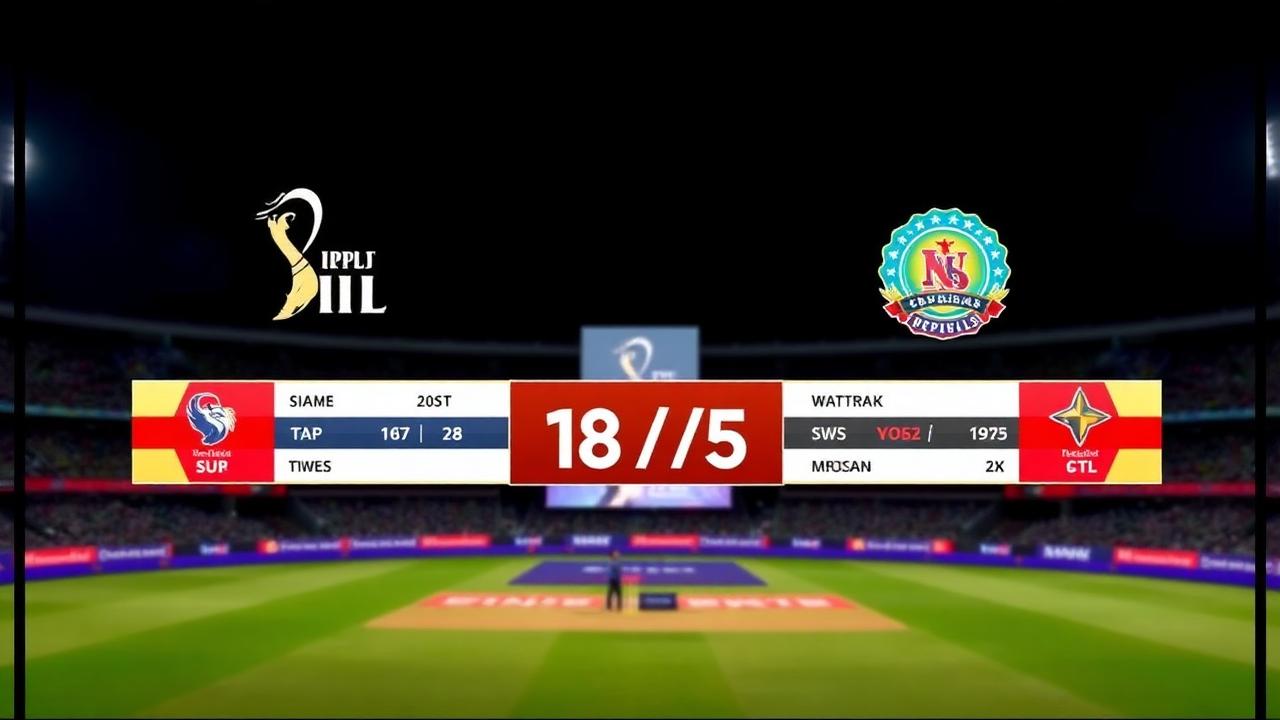
Finding the right cricket score overlay software transforms a standard single-camera video feed into a television-style broadcast. Whether you run a community club, an academy showcase, or an evening tape-ball league under floodlights, modern audiences expect live graphics showing runs, wickets, overs, strike rates, and bowler spells. With modern mobile-first scoring tools, you do not need an expensive broadcast van or dedicated production hardware to deliver dynamic match graphics to viewers on YouTube, Facebook, or Twitch.
Quick answer: What is cricket score overlay software?
Cricket score overlay software is a digital graphics tool that takes real-time match data from a scoring app and renders visual scoreboards—often called lower thirds, score bugs, or full-frame cards—directly on top of a live video feed. Most production setups use Open Broadcaster Software (OBS Studio), vMix, or mobile streaming tools, bringing in the score overlay as a dynamic "Browser Source" URL that updates automatically each time a ball is bowled.
Why modern live streaming requires automated graphics
Cricket is a sport governed by numbers, situational math, and constant momentum shifts. When a viewer clicks onto a live feed, they immediately scan the screen for context:
- What is the current score and how many overs remain?
- Who is currently on strike, and what is their personal tally?
- What is the required run rate or current target?
- What are the bowler’s figures for the current spell?
If your stream lacks real-time graphics, viewers drop off quickly. Manually typing updates into text boxes in OBS or switching static image slides is slow, distracting for the streamer, and prone to human error during frantic overs. Automated overlay software bridges the scorer on the boundary with the video feed running through your broadcast software, ensuring graphic updates reflect the action within seconds of a ball being logged.
Key elements of a professional cricket broadcast overlay
Professional broadcasters like Star Sports or Sky Sports rely on structured graphic templates. When choosing or designing your streaming package, look for software that automates these primary visual assets:
The persistent bottom bar (Score Bug)
This is the core lower third that remains visible through regular play. It typically displays:
- Batting and bowling team names or abbreviations.
- Total runs scored, wickets lost, and completed overs.
- Target score and remaining balls during run chases.
- Batter names with runs scored, balls faced, and boundary counts.
- Active bowler name, overs bowled, runs conceded, and wickets taken.
Contextual pop-up cards
High-impact moments require dedicated full-screen or half-screen graphic cards that trigger automatically:
- Wicket fall: Showing how the batter was dismissed (caught, bowled, LBW), fielder involved, runs scored, and fall-of-wicket team total.
- Milestones: Pop-up banners for half-centuries, centuries, or hat-trick balls.
- Over summary: A clean recap at the end of each over displaying runs conceded and ball-by-ball events (dots, singles, boundaries, extras).
- Match context & target: Showing required run rate (RRR), current run rate (CRR), and dynamic win predictors.
Tournament & table integration
For multi-team events, broadcast feeds benefit from graphics that show how the game impacts the broader standings. Real-time updates showing current standings and points margins—often calculated using Net Run Rate (how NRR works)—give viewers a reason to stay invested until the final ball.
How cricket score overlay software works with OBS and streaming apps
The modern streaming standard relies on dynamic HTML5 and cloud web sockets rather than bulky video capture cards. Here is the architecture of how cricket score overlay software functions in a modern workflow:
[Scorer's Mobile Device]
          │  (Real-time scoring updates)
          ▼
   [Cloud Server / Database]
          │  (Auto-updates dynamic HTML overlay)
          ▼
   [OBS / vMix Browser Source]
          │  (Renders transparent graphics over video)
          ▼
[YouTube / Facebook Live Stream]- Scorer inputs action: The boundary scorer taps an action (e.g., 4 runs, wide ball, or wicket) on a smartphone or tablet.
- Cloud sync: The mobile scoring platform pushes the updated match state to cloud servers within milliseconds.
- Web renderer updates: The overlay graphic engine, hosted on a unique web URL, reads the incoming match data and animates the scoreboard elements seamlessly.
- Broadcast engine layers the visual: Production software such as OBS Studio or vMix monitors that URL as a transparent browser layer, superimposing the crisp vector graphic over your camera feed.
Because everything operates via browser links, the video producer and the match scorer do not even need to sit in the same location. A scorer can log balls while seated in the pavilion, while an editor operates OBS from an air-conditioned commentary booth or a home studio miles away.
Step-by-step: Setting up an overlay for your cricket stream
Setting up automated graphics for your club or tournament matches is simple once you understand the browser source method. Follow these practical steps to get your stream ready:
1. Set up your scoring device
Open Run & Ball on your phone or laptop—no native installation is required for web usage. Create your teams, set player rosters, and configure match parameters (match type, overs per innings, powerplays, or custom gully/tape-ball rules).
2. Generate your unique broadcast overlay link
Inside the match or tournament management dashboard:
- Navigate to the Streaming / Broadcast Overlay section.
- Select your preferred overlay theme (e.g., minimal bottom banner, classic broadcast style, or high-contrast sports design).
- Copy the generated Browser Source URL. Treat this link as your direct graphics feed.
3. Configure your broadcast software (OBS Studio)
- Open OBS Studio on your production computer.
- Under the Sources panel, click the `+` icon and choose Browser.
- Name the source something clear, such as `Cricket Score Overlay`.
- Paste the URL copied from your scoring dashboard into the URL field.
- Set the canvas width and height to match your stream output (typically `1920` width and `1080` height for standard 1080p video).
- Ensure the checkbox labeled Shutdown source when not visible is unchecked to prevent reloads when switching scenes.
- Click OK. The overlay will render with full background transparency directly over your camera feed.
4. Sync video delay with graphics
Digital camera feeds over HDMI or wireless capture cards can sometimes lag behind internet-delivered score data by 500 to 2,000 milliseconds. If you notice the score updates before the bowler delivers the ball on screen:
- Right-click your camera source in OBS.
- Select Filters > click `+` under Audio/Video Filters.
- Add a Render Delay to pause the video feed by the exact milliseconds required to match the boundary scorer's reaction time.
5. Go live
Once aligned, start your stream output to YouTube, Facebook, or your platform of choice. Every tap logged on the scoring phone will now reflect instantly on your public stream.
Why grassroots and tape-ball tournaments choose Run & Ball
Many scoring apps and broadcast suites were built exclusively for traditional English club cricket or professional first-class leagues. Run & Ball was engineered specifically for the dynamic reality of modern cricket across Pakistan, India, the UAE, and worldwide communities.
- Offline-ready scoring: Cricket grounds rarely have stable fiber internet. If your 4G or 5G connection drops midway through an over, you can continue scoring uninterrupted. The app caches every ball locally and syncs your data back to the cloud overlay the instant connectivity returns.
- Format flexibility: Built to handle tape ball, gully cricket, F5, T10, T20, and multi-day club matches without forcing awkward rule workarounds.
- Automated tournament management: Generate round-robin groups, single-elimination brackets, or hybrid playoff trees. Points tables and NRR update the moment the final wicket falls.
- Accessible hardware footprint: You do not need expensive capture rigs or heavy equipment. A standard smartphone and a laptop running OBS are enough to output high-definition broadcasts with dynamic graphics.
- AI commentary and insights: Enhance small community streams with automated match predictor widgets and AI commentary layers that make local matches feel like premium events.
Best practices for field streaming setups
Producing an outdoor cricket broadcast introduces technical challenges that indoor studio operators never encounter. Keep these operational tips in mind before matchday:
- Manage device thermals: Smartphones and laptops running streaming software under direct sunlight overheat rapidly. Keep your broadcast rig shaded under an umbrella or pavilion canopy, and use a cooling pad for streaming laptops.
- Designate dedicated scoring power: Keep the scorer's phone plugged into a 10,000mAh or 20,000mAh external power bank. Constant screen-on time and background data syncing drain phone batteries over a 40-over contest.
- Separate scoring and streaming bandwidth: Whenever possible, use separate data connections for scoring updates and video ingestion. A dedicated mobile hotspot for your camera feed ensures your broadcast video bitrate remains stable even if local network traffic surges.
- Prepare tournament collateral in advance: Upload player profile pictures and full squad lists ahead of time. Having team logos and player names ready allows your overlay software to display professional batter cards and bowler headshots rather than blank placeholder silhouettes.
Related reading on Run & Ball
- How to organize a cricket tournament
- How to live stream a cricket match
- Cricket tournament checklist
- Browse all live matches · Open the player directory
- Start a free tournament
Authoritative references
Chennai Chargers
84/3
Overs 9.0 · CRR 9.33
Target 165
Need 81 in 66 balls
RRR 7.36
Manage your next cricket tournament with Run & Ball
- Live ball-by-ball scoring
- Auto fixtures & points table
- Player & team stats
- Free forever
People also ask
Reader comments(0)

Ready to run your next cricket tournament?
Score matches ball-by-ball, run fixtures, points tables and playoffs, and stream to OBS — all free from one phone.
Related articles
- Live Scoring & Streaming
Live Cricket Scoring Software — Free Tool & Guide | Run & Ball
Live Cricket Scoring Software: how Run & Ball gives you a free, mobile-first live cricket scoring software for clubs, schools, academies and local cricket leagues.
- Live Scoring & Streaming
Cricket Live Score App — Free Tool & Guide | Run & Ball
Cricket Live Score App: how Run & Ball gives you a free, mobile-first cricket live score app for clubs, schools, academies and local cricket leagues.
- Live Scoring & Streaming
Live Cricket Streaming Software — Free Tool & Guide | Run & Ball
Live Cricket Streaming Software: how Run & Ball gives you a free, mobile-first live cricket streaming software for clubs, schools, academies and local cricket leagues.
- Live Scoring & Streaming
Cricket Broadcast Software — Free Tool & Guide | Run & Ball
Cricket Broadcast Software: how Run & Ball gives you a free, mobile-first cricket broadcast software for clubs, schools, academies and local cricket leagues.
- Live Scoring & Streaming
Cricket Streaming Platform — Free Tool & Guide | Run & Ball
Cricket Streaming Platform: how Run & Ball gives you a free, mobile-first cricket streaming platform for clubs, schools, academies and local cricket leagues.
- Live Scoring & Streaming
Cricket Live Match Tracking — Free Tool & Guide | Run & Ball
Cricket Live Match Tracking: how Run & Ball gives you a free, mobile-first cricket live match tracking for clubs, schools, academies and local cricket leagues.